
App screens
Every screen in the mobile app — the five main tabs in detail, plus the secondary screens.
The app's screens live in lib/presentation/pages/, grouped by area. The five main
tabs run inside an IndexedStack shell (so their state is preserved as you switch); the
rest are pushed as normal routes with go_router.
Main tabs
Home
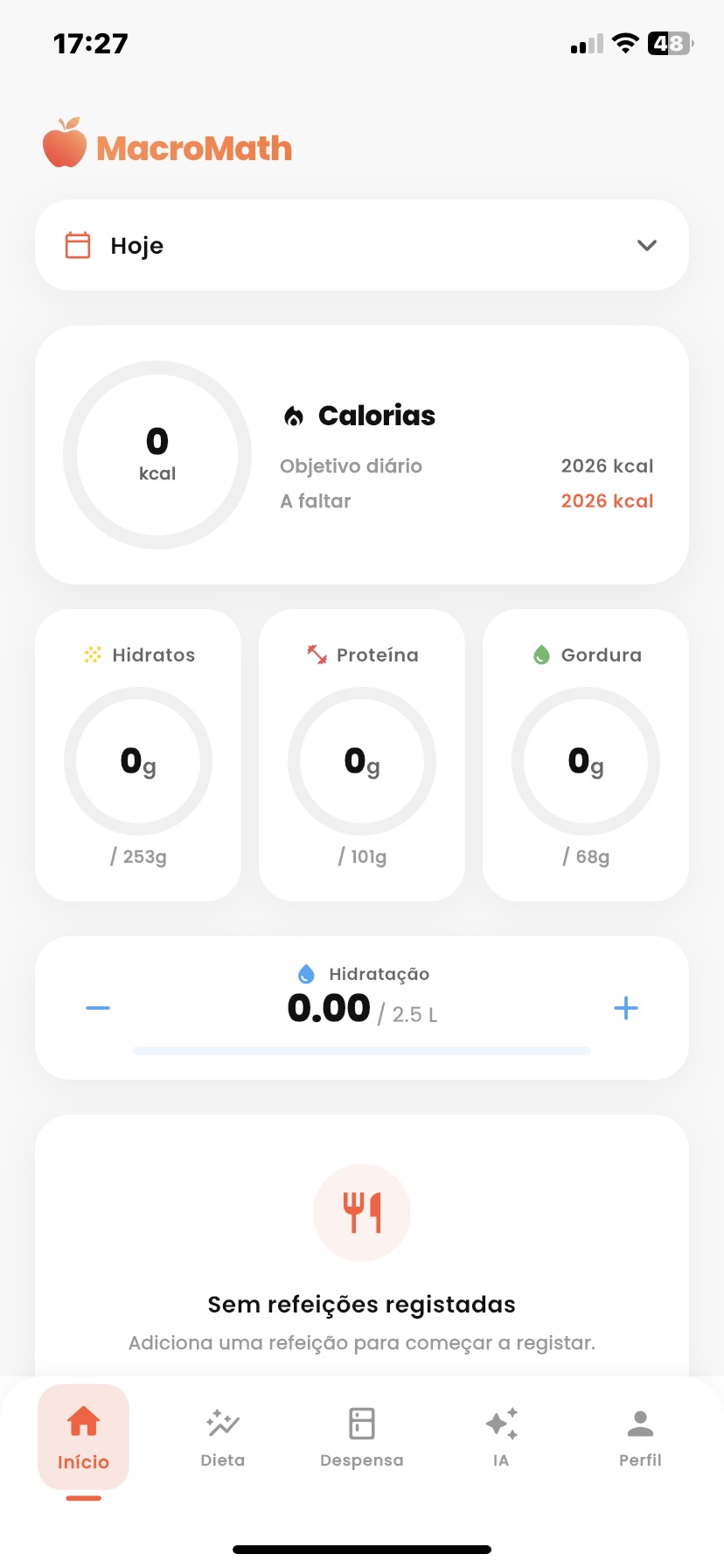
The Home tab is your daily dashboard — everything you need the moment you open the app. A calorie card shows what you've eaten against the day's target; three rings track protein, carbs and fat; a dedicated control logs water; and an interactive calendar lets you jump to any day and review it. Everything reacts in real time as you log meals, with no reloads.
Diet
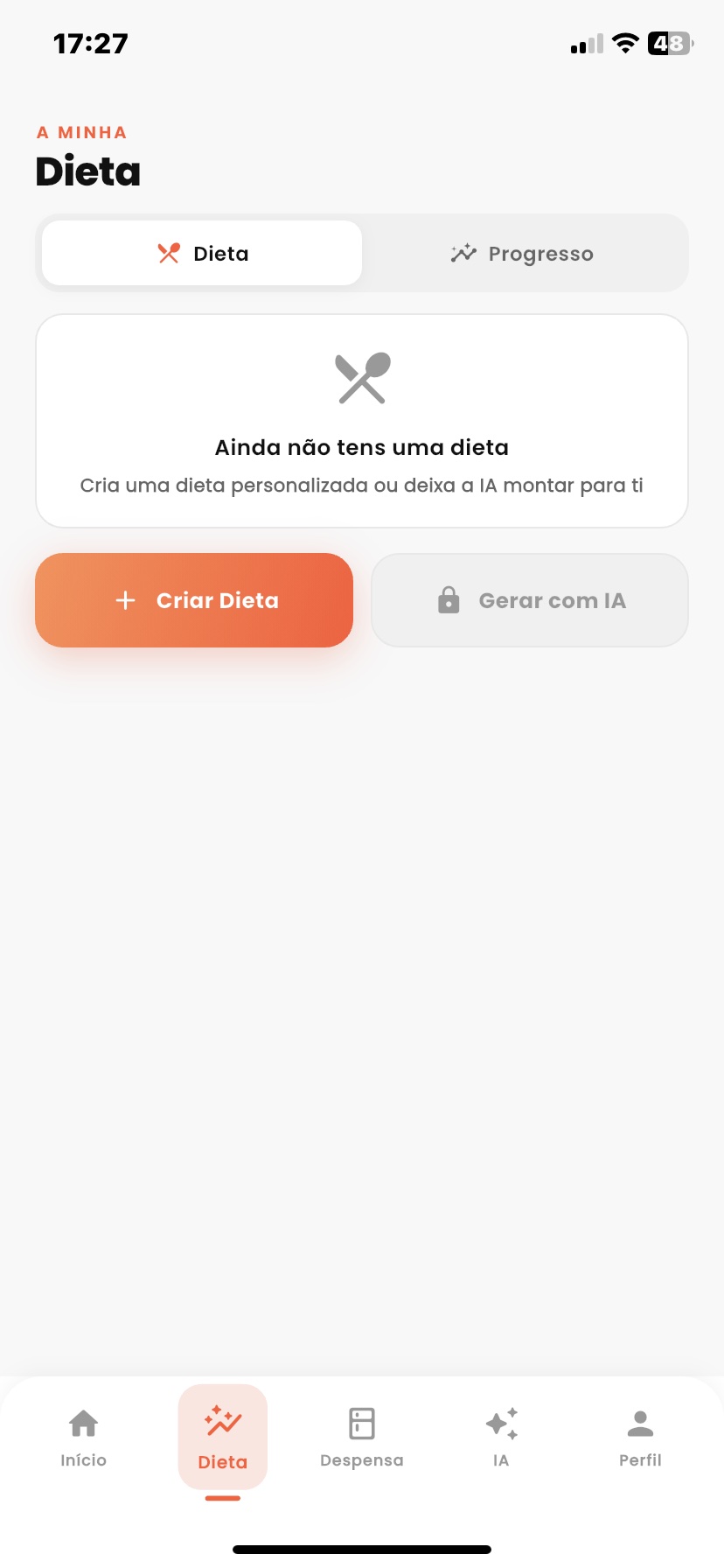
The Diet tab is where you build the day. Meals — breakfast, lunch, dinner, snacks and your own custom slots — each sum their foods toward the daily total. Add a food by search, barcode scan or photo, adjust the quantity and the macros update instantly. Build a plan by hand or let MacroAI generate one, deterministically rebalanced to hit your targets.
MacroAI
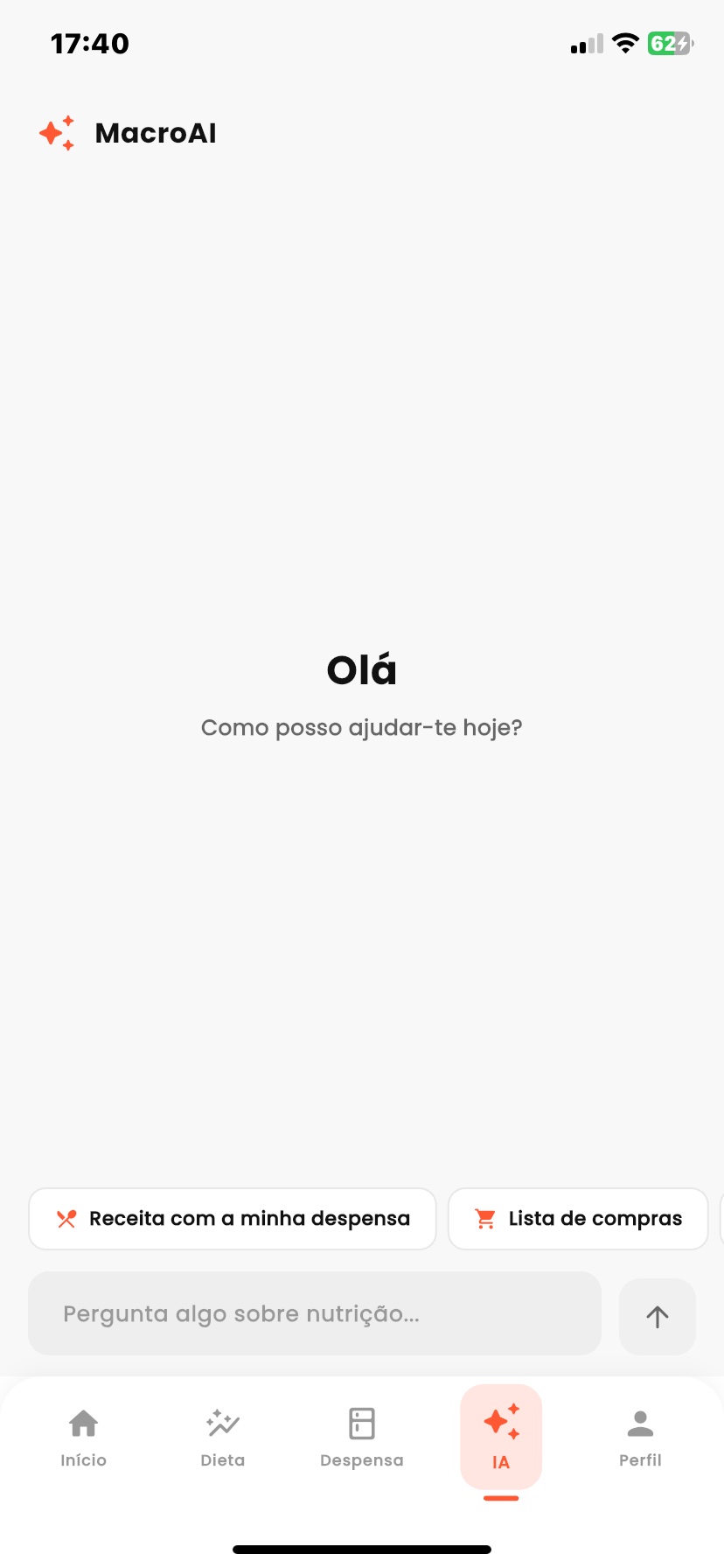
The MacroAI tab is a conversational nutritionist built on Gemini 2.5 Flash. It answers questions and generates full diet plans, shopping lists and recipes — always aware of your profile, goals and pantry. Each reply can become a one-tap action (save a plan, set macros, add to the shopping list), and it can read meal photos and shopping receipts.
Pantry
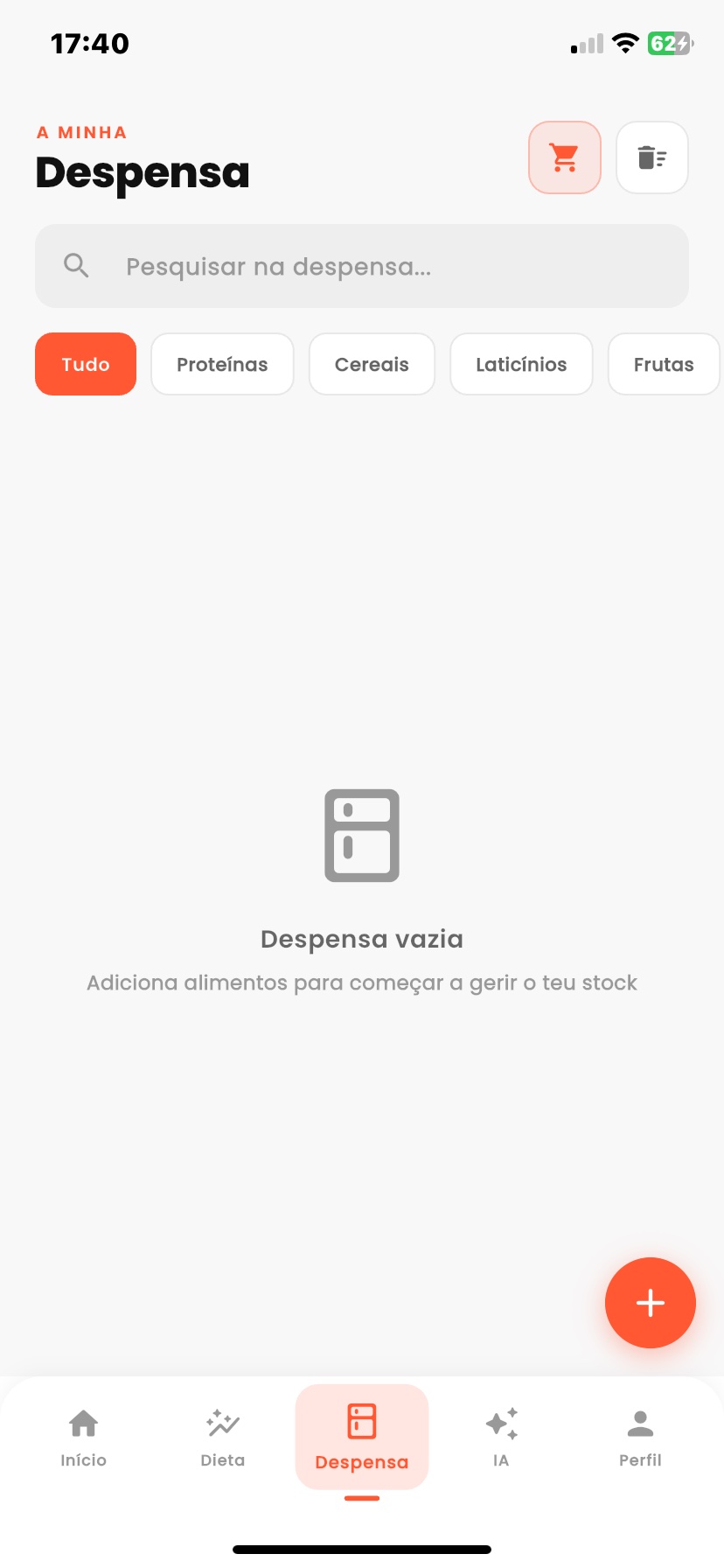
The Pantry tab keeps track of what you have at home. Each item shows its quantity and stock status, with low-stock alerts so you never run out. Add items manually, by photo or by reading a receipt (OCR). MacroAI turns what's missing into a shopping list, and a one-tap checkout moves bought items straight back into the pantry.
Progress
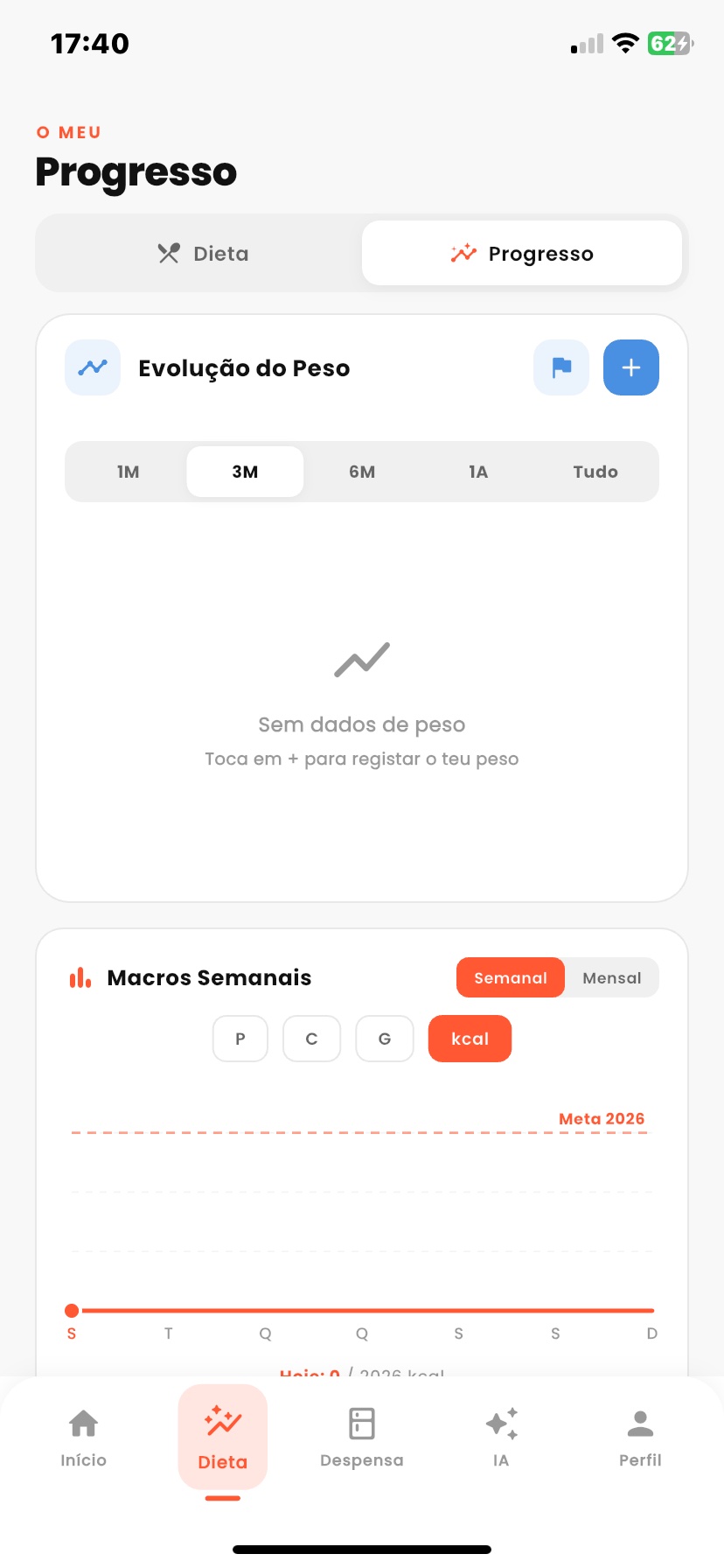
The Progress tab shows your evolution over time. A weight chart with start, minimum, maximum and current markers (and period filters) reveals the real trend; weekly macro and calorie charts show where you fall short or overshoot; and the app cross-references weight with intake to tell you whether you're on pace for your goal.
Profile
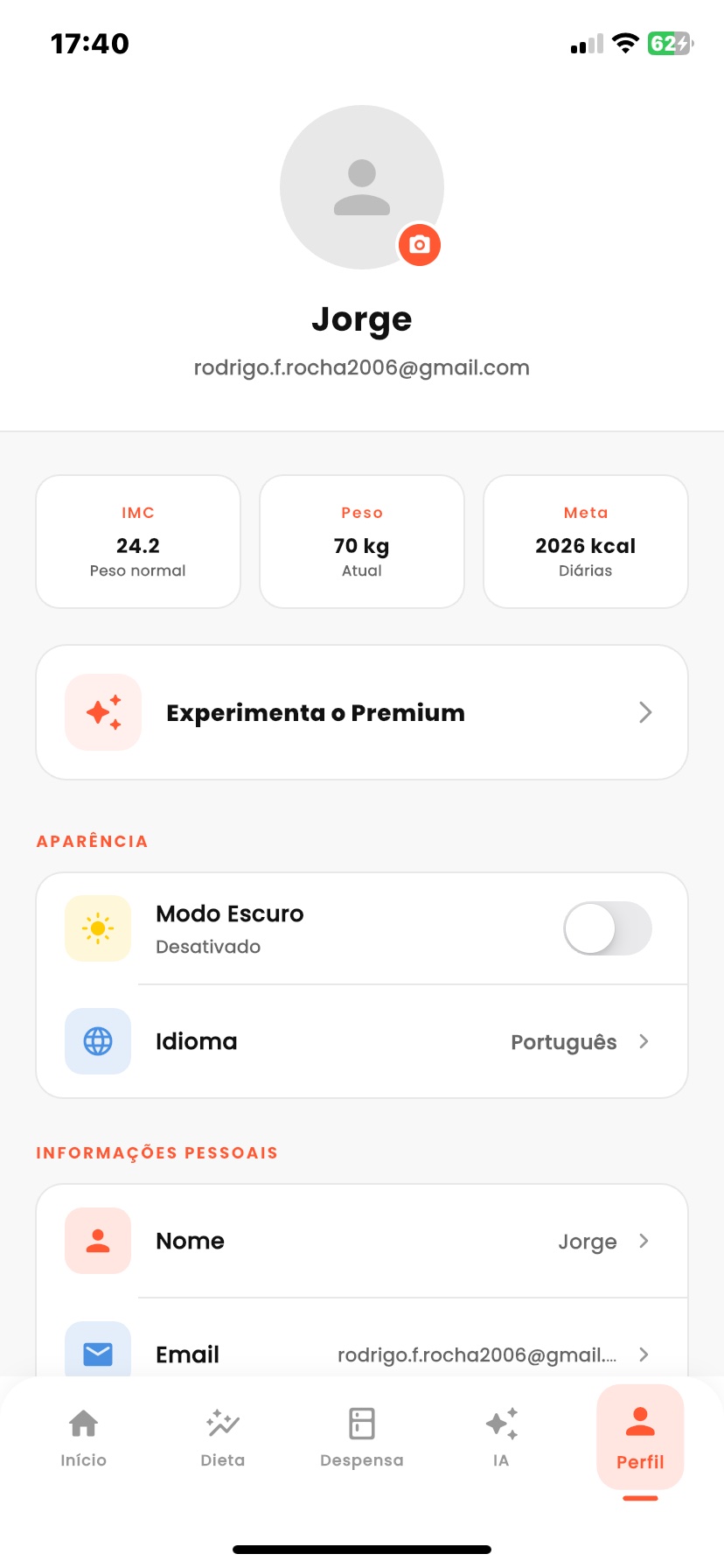
The Profile tab is where your targets come from and where you control the app. Set your goal and goal speed, your body data (which feed the BMI and macro targets) and custom meal slots. It also hosts security (biometric lock, email 2FA), notifications, language (five options), light/dark theme and the Premium subscription.
Secondary screens
Beyond the five tabs, these screens are pushed as needed.
Diet & logging
| Screen | Purpose |
|---|---|
diet_quiz | The pre-diet quiz (goal, body data, taste & allergy preferences). |
diet_plan_editor | Full editor for an AI-generated or manual diet plan. |
meal_detail | A single meal's foods and macro breakdown. |
barcode_scanner | Omnidirectional barcode scanning for packaged products. |
shopping_list | Manual or AI-generated list; checked items move into the pantry. |
Auth
| Screen | Purpose |
|---|---|
login | Email/password sign-in. |
register | Account creation. |
otp_verification | Two-step email verification (OTP). |
change_password | Password reset / change. |
Premium & profile
| Screen | Purpose |
|---|---|
paywall | Premium plans and the Stripe checkout entry point. See Plans & pricing. |
avatar_crop | Crop and set the profile avatar. |
help_center | In-app help. |
privacy_policy · terms_of_use | The legal pages. |
Shared widgets (bottom navigation, the guided app tour, the photo food picker, toasts and
confirm dialogs) live in lib/presentation/widgets/.